LDShop
guide registrationRegister now to enjoy 15% off new member gift!Go to register >
Aniimo

Aniimo

Instant DeliveryInstant Delivery
🔥Invite Friends And Get 15%OFF

More Games You Might Like

Description

Aniimo Top Up

Aniimo is a free-to-play, next-gen creature-catching open-world RPG. On the vast continent of Idyll, you'll encounter countless unique creatures known as Aniimo. Twine with them and experience the beauty of this world from a completely new perspective and with new abilities.
You can also travel to a metropolis floating in the sky, where you'll meet other Pathfinders, share stories, and engage in thrilling competitive battles. Choose your Aniimo and embark on an epic journey - one full of exploration, discovery, and adventure!

Seize every chance to capture and collect Aniimo to your heart's desire!

When embarking on an adventure on Idyll, anyone you meet can become a companion! Catch Aniimo using Aniipods, set traps and time your catch perfectly - enjoy the thrill and uncertainty of every moment! Unique Aniimo will appear according to the environment, weather, phenomena and time of day. Most Aniimo can evolve, making collecting and discovering Aniimo even more exciting.

Twine with Aniimo to feel the world like they do

Recharge Aniimo Information Required

Supported Server

Global Server

Supported Clients

PC & Mobile

Topup Method

E-mail  account

Recharge Information

1.  Account & password

2. Character Name

3.UID


Top-up Procedures

How to buy Aniimo Crystals at LDShop?

1. Choose your preferred item on LDShop and enjoy a safe, smooth, and trusted purchasing experience.

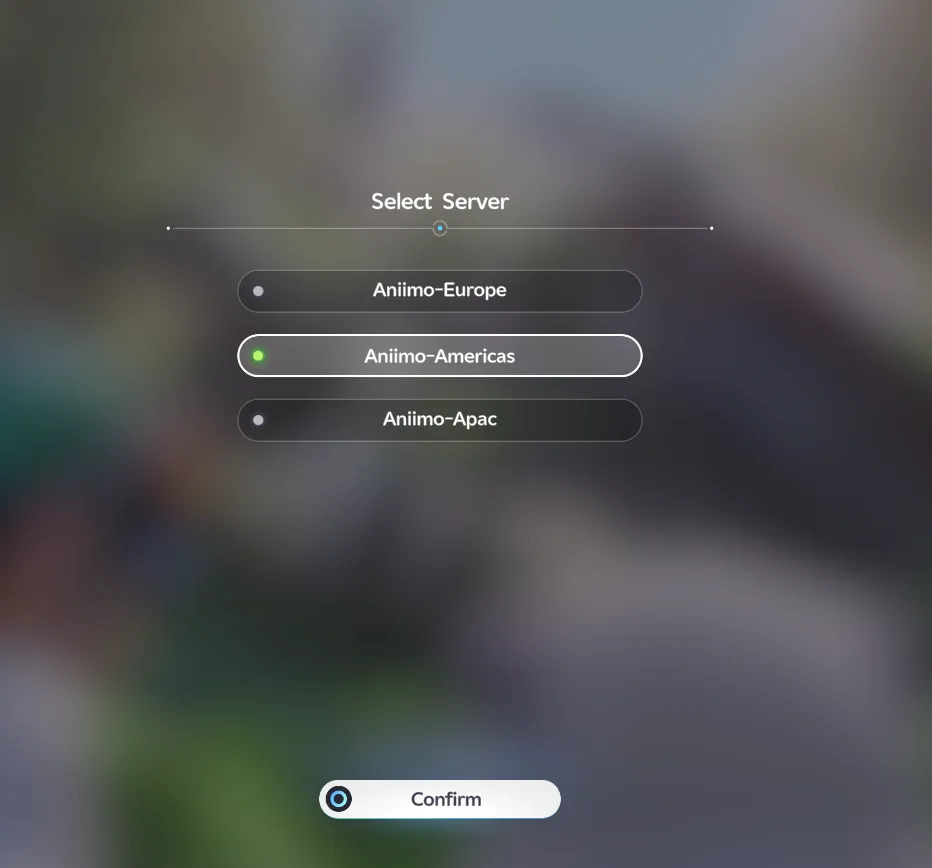
2. Select your Server and enter Aniimo UID, then click "Top up" to continue.

3. Choose your preferred payment method, including region-friendly options, and complete your payment securely.

4. Check the status in the order center. After the top-up is completed, you can check the result in the game.

5. If you encounter any issues during the process, please contact customer service.


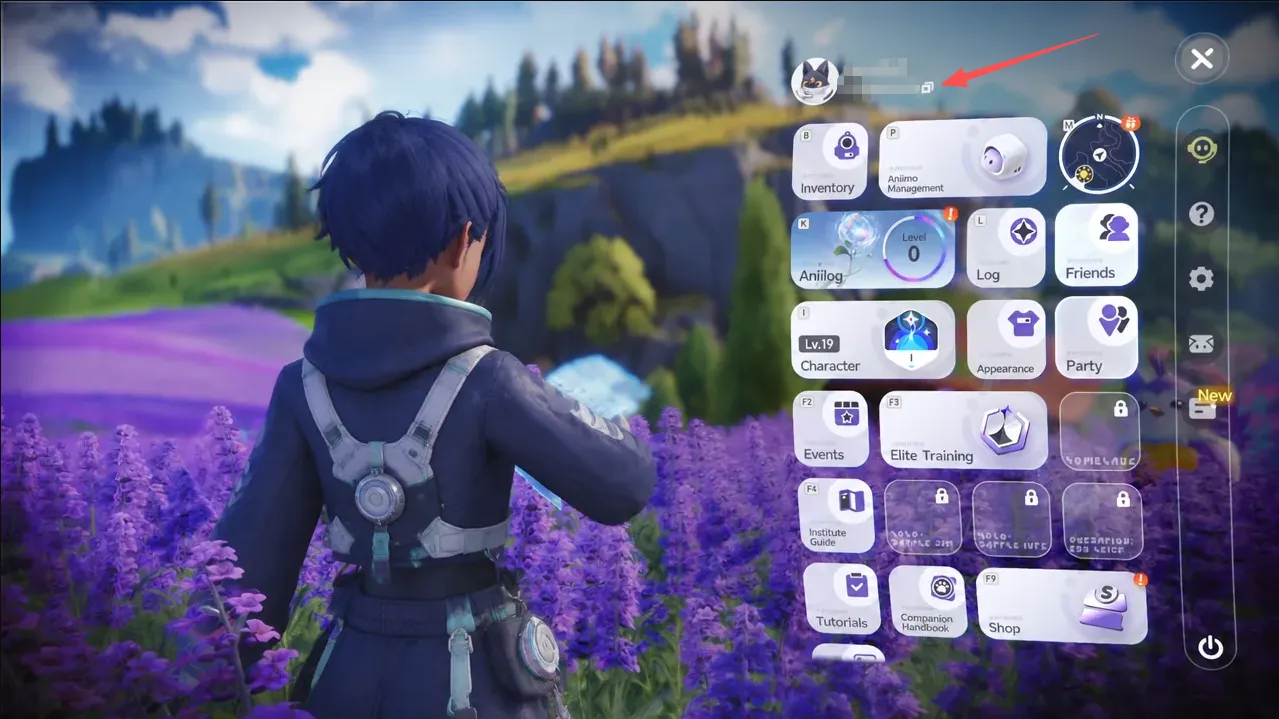
How to find your Aniimo ID?

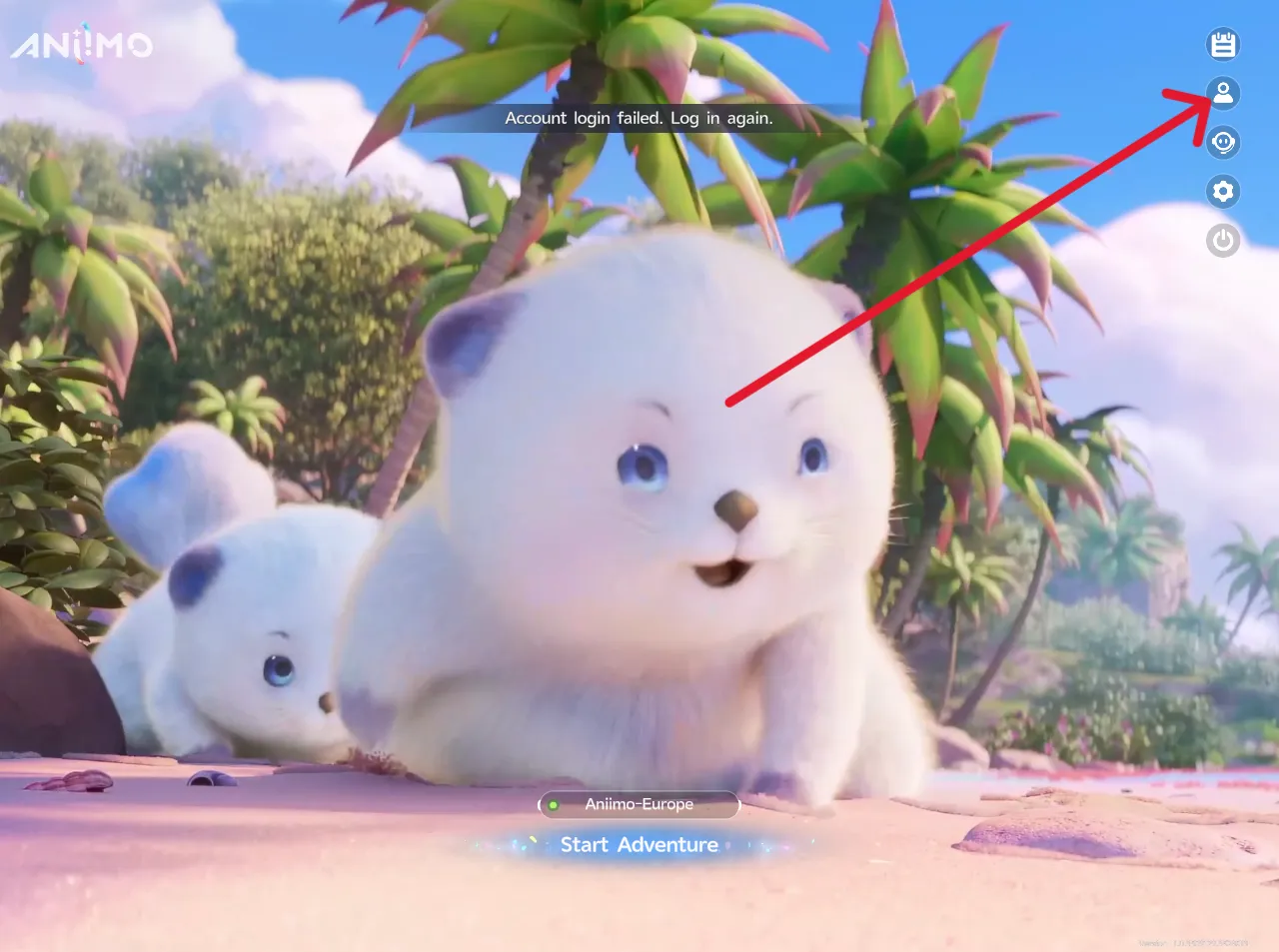
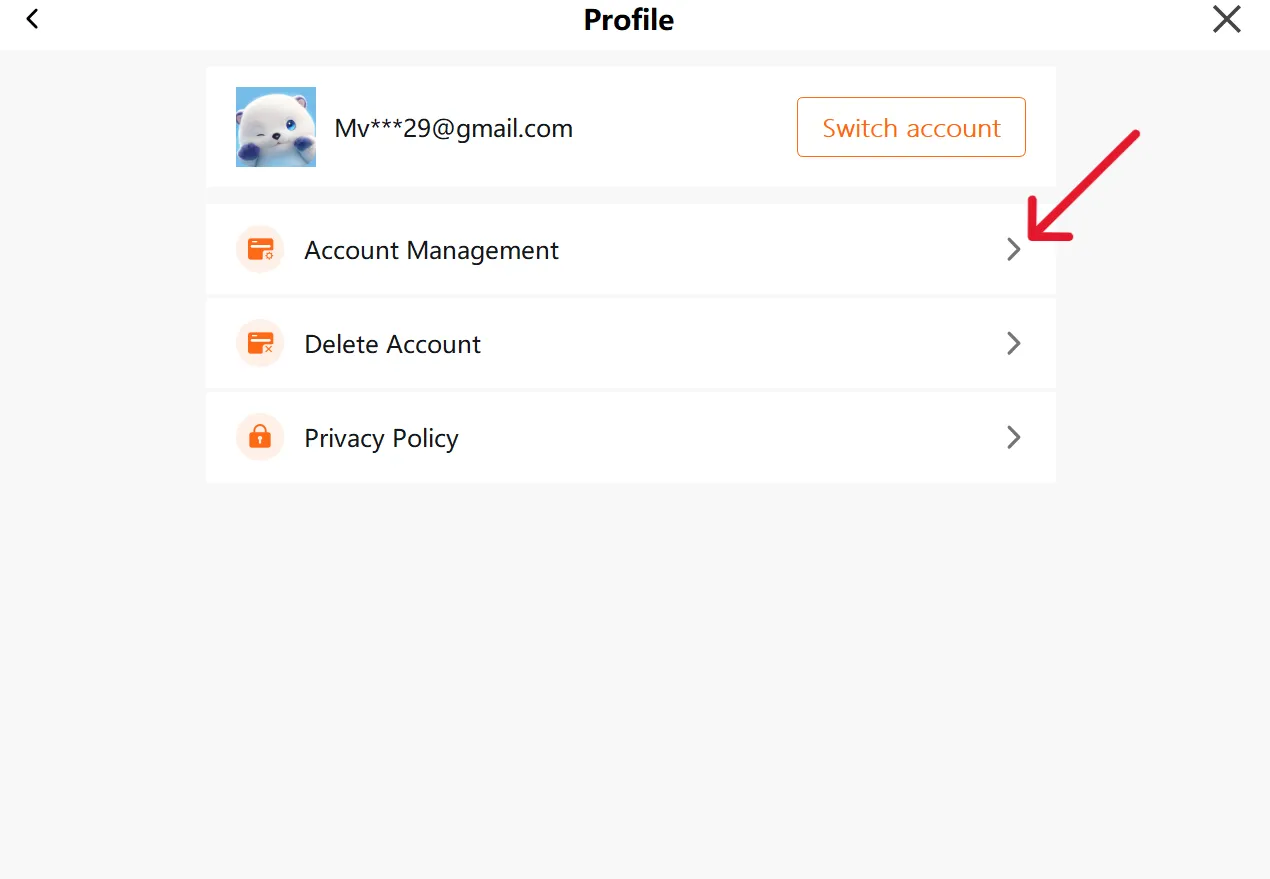
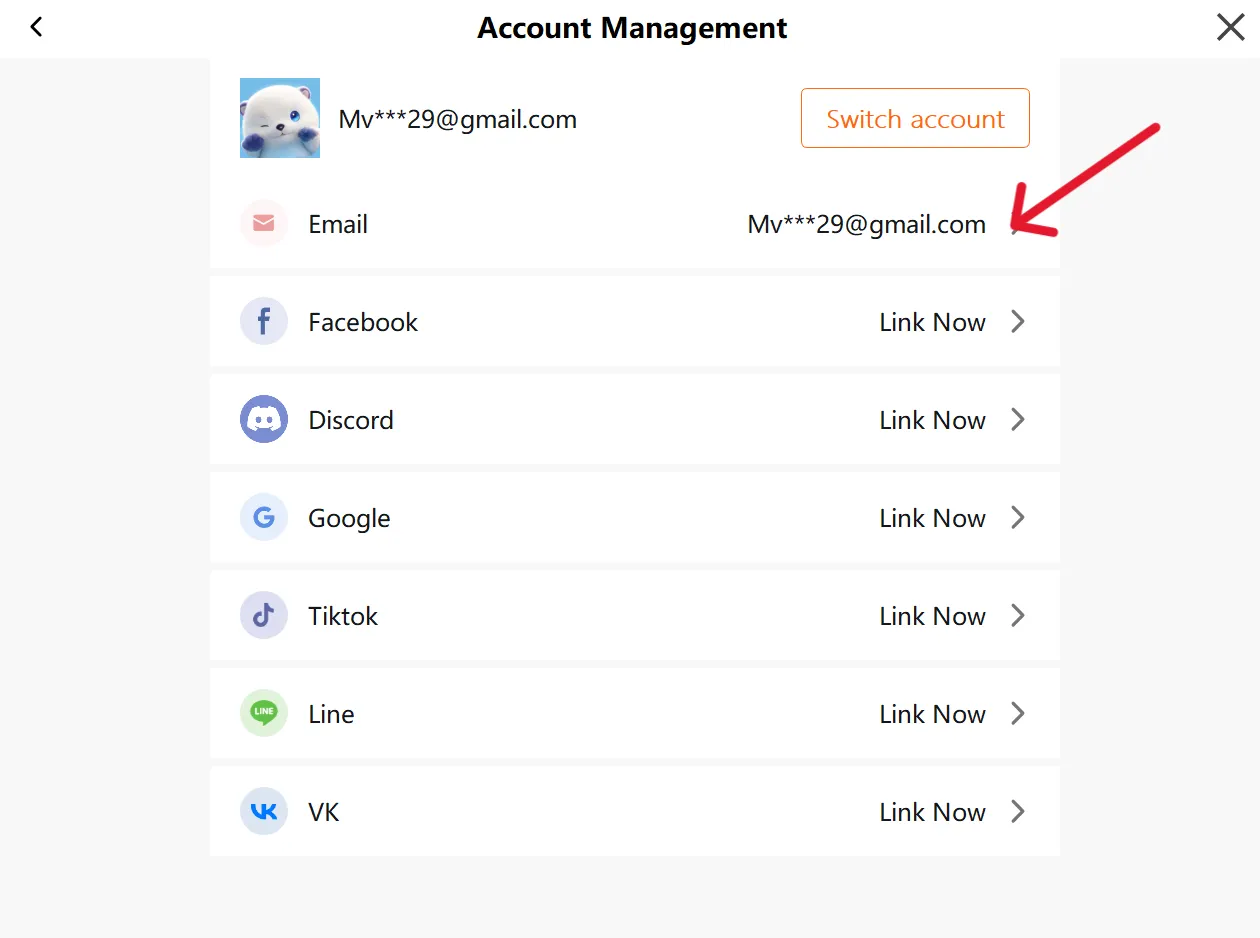
1.  Open the profile screen.

2. Copy your UID.