

Cheap Steam Wallet Balance Recharge
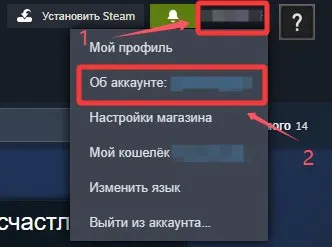
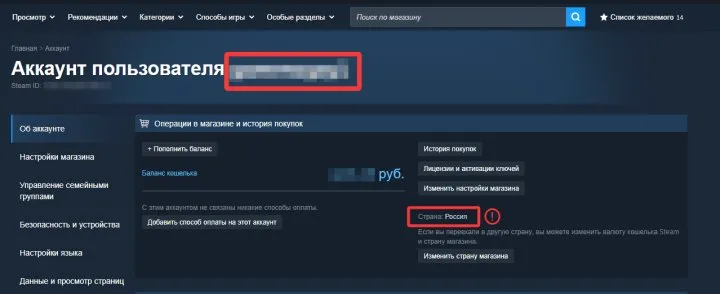
Available region: Russia
Steam is a digital game distribution platform launched by Valve Corporation in 2003. After more than 20 years, it has become the world's largest PC gaming platform.
Think of Steam as a huge online game department store – you can browse games, buy them, download them, and play with friends.
Main Features of Steam
🎮 1. Game Store
Steam has tens of thousands of games, from major titles like CS2, Dota 2, Elden Ring, and Cyberpunk 2077 to indie gems, visual novels, and simulators. Every game includes a detailed description, system requirements, and user reviews (recommended / not recommended) so you can check before buying.
💰 2. Sales Events
Steam runs several site‑wide sales every year, the most famous being the Summer Sale and Winter Sale. Games often get 50% off or even 90% off. Players often joke that "Steam itself is a game about buying games" because many people buy a bunch during sales and never find time to play them.
☁️ 3. Game Library & Cloud Saves
Games you buy stay in your account forever. Download them when you want to play, delete them when you don't, and re‑download them on a new PC. Game progress is automatically saved to the cloud (for supported games), so you don't have to worry about losing your save data.
Why Top Up Your Steam Wallet?
Adding funds to your Steam account lets you pay without using a credit card every time – just spend the balance in your account.
How to Top Up Your Steam Wallet on LDShop
1. Go to the LDShop official website, select your language and currency, and log in.
2. Choose the denomination and quantity, enter your account details, then click "Top Up Now".
3. Select your preferred payment method and complete the payment.
4. Check the top‑up status in your order center. Once completed, go to the app to see your balance.
If you have any issues, please contact customer support (click the support button in the lower‑right corner of the platform).